
Google Photos now has a powerful video editor! You can quickly create professional reels
Android users can now quickly create Reels using pre-built templates. This feature has arrived in Google Photos. Simply upload photos and videos, and Google Photos will automatically sync everything and create a Reel. It also offers custom text, soundtracks, and multi-clip editing.
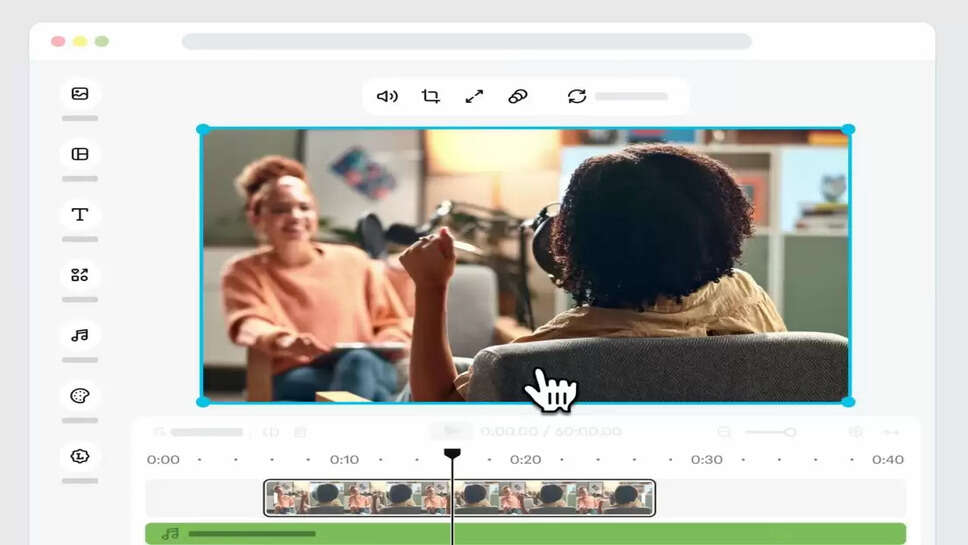
Google Photos New Features: If you're a fan of creating Reels, Google Photos has added several amazing features and tools for you. Google Photos has released five new video editing tools for Android users.
These tools make it easy to create not only photo storage but also social media-ready videos and highlight reels. These tools include templates, a music library, custom text, and a newly redesigned editor.
This means Reels like Instagram or YouTube Shorts can be created without downloading a separate app. Let's learn more about these five tools…
1. Create videos with synced music
You can now create Highlight Videos in Google Photos with auto-matched music and media. You don't need a third-party video editing app. Simply go to the "Create" tab, select Highlight Video, and select the photo or video. This feature will be very useful for Reels and vlogs.
2. Templates will create professional videos in minutes
With the new rollout, Google Photos also includes pre-built video templates. These templates come with pre-set background music, text, and cuts, allowing users to quickly create shareable content by simply selecting photos or videos. The company says more templates are coming.
3. Newly Redesigned Video Editor
The updated Google Photos editor will be available on both Android and iOS. It features multi-clip editing, an improved timeline, and an adaptive canvas.
The advantage is that users will spend more time creating content, rather than fiddling with settings. Creating storylines is now easier than ever.
4. Choose the perfect music soundtrack
Users can now select soundtracks from Google Photos' music library and add them to videos, enhancing the emotion, vibe, and rhythm of videos.
This feature is available on both Android and iOS and allows content creators to enhance the impact of their videos.
5. Custom text and clip-level editing
Users can now add stylish overlay text to videos with new font, color, and background options. You can also create a custom look for individual video clips by adding music and text separately. This new editor will serve as the default video editor on Android, making editing even faster.